Sweely
For cafes, restaurants, bars, and food halls

Run menu updates, reservations, and place setup from one owner landing

Sweely gives operators one clean workflow to publish the venue page, update dishes, manage reservations, set working hours, control roles, and generate QR access for guests.

The landing now follows the workflows shown in the product materials: menu operations, reservation control, and simple place setup.

Menu ops

Search, edit, publish, and update dish availability in seconds

Reservations

Track agenda, statuses, guest details, and follow-up notes

Setup

Configure branch details, hours, QR codes, and staff roles

Discovery

Combine direct QR traffic with extra visibility in nearby browsing

Two ways guests reach your venue

Sweely makes the direct operator path obvious: guests can arrive through your QR code or discover you while browsing nearby places in the product.

Direct traffic

QR code to venue page

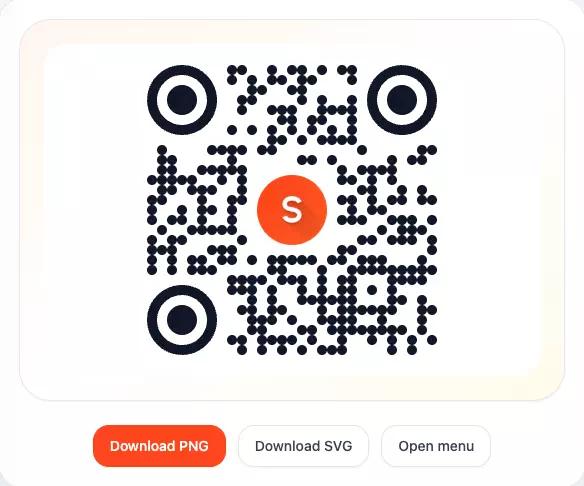
Generate a QR code, place it on-site, and send guests straight into your menu, place details, and reservation entry points.

Additional discovery

Nearby browsing inside Sweely

Your venue can also be found while guests compare nearby places, giving you more discovery beyond table-side scans.

Menu management

Update dishes and publish changes without friction

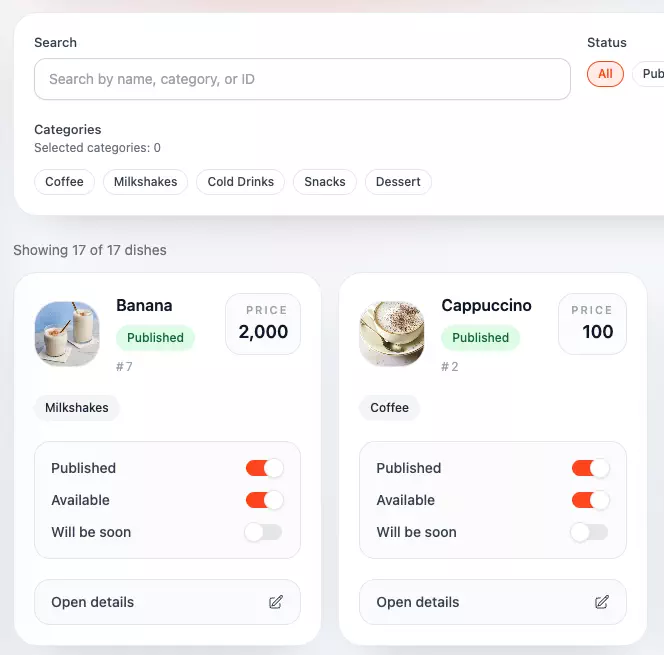
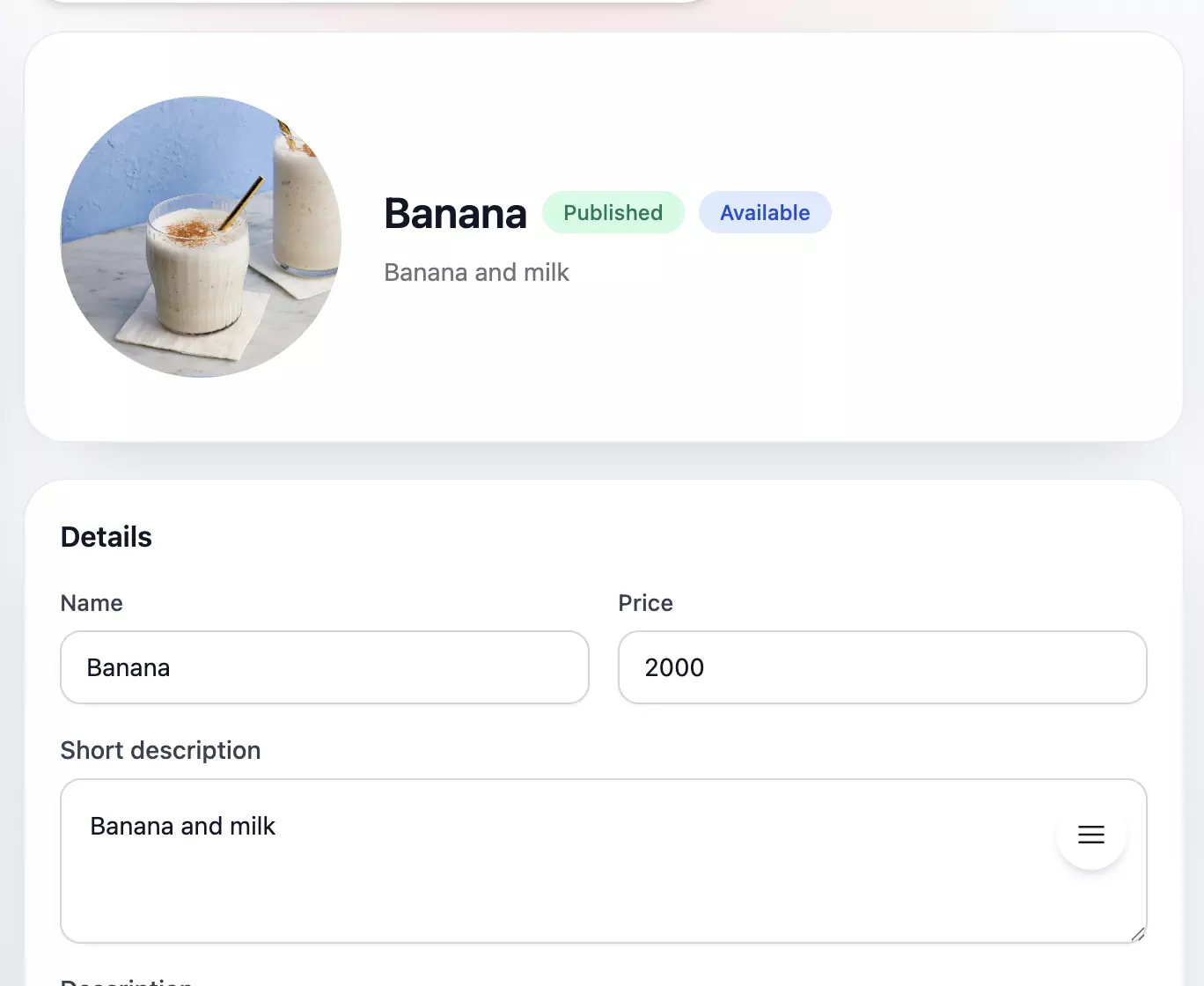
The menu workflow in the attached materials shows exactly what owners need day to day: faster edits, cleaner publishing controls, and better detail management.

  • Search by name, category, or ID and move through dish lists without getting lost.
  • Switch published and available states instantly when an item changes during service.
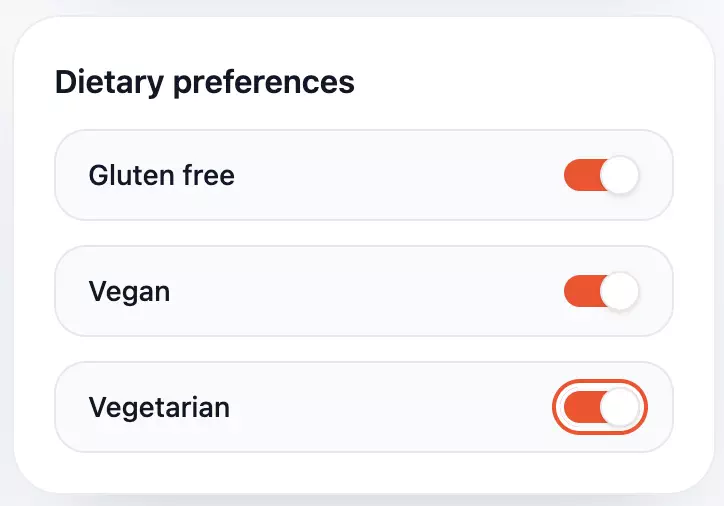
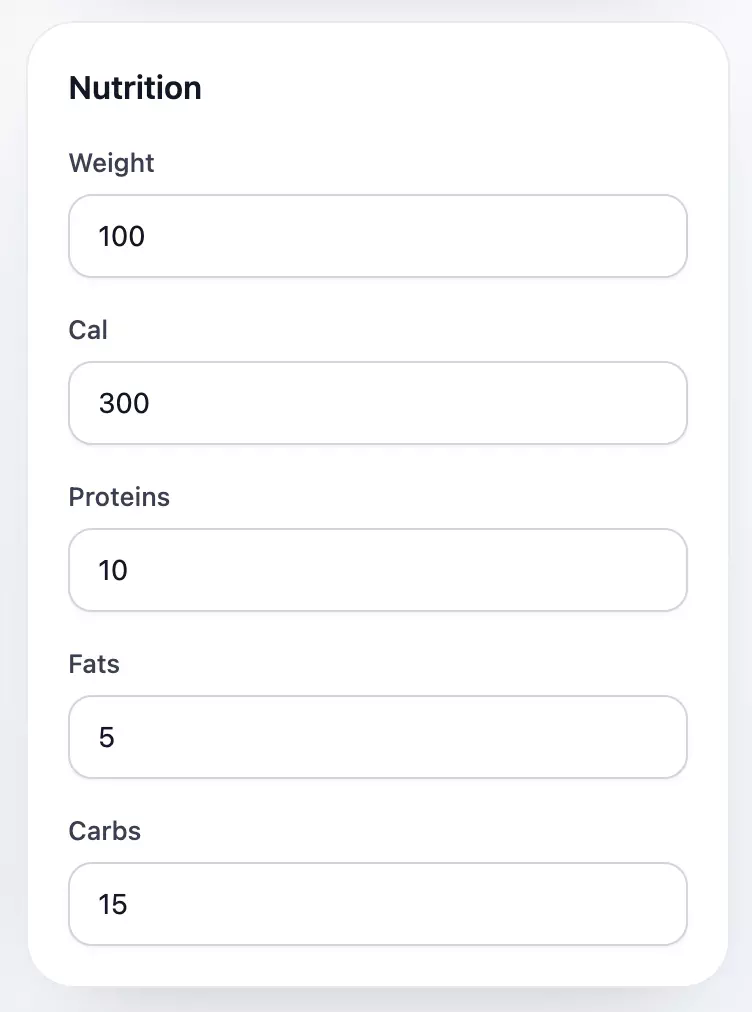
  • Maintain dietary preferences and nutrition fields so the menu stays useful and trustworthy.
Sweely owner panel menu catalog for editing dishes and categoriesSweely owner panel dish editor with product details and pricing controlsSweely owner panel display preferences and menu visibility settingsSweely owner panel nutrition and allergen details form for menu items
Reservation control

Keep the whole booking schedule under control

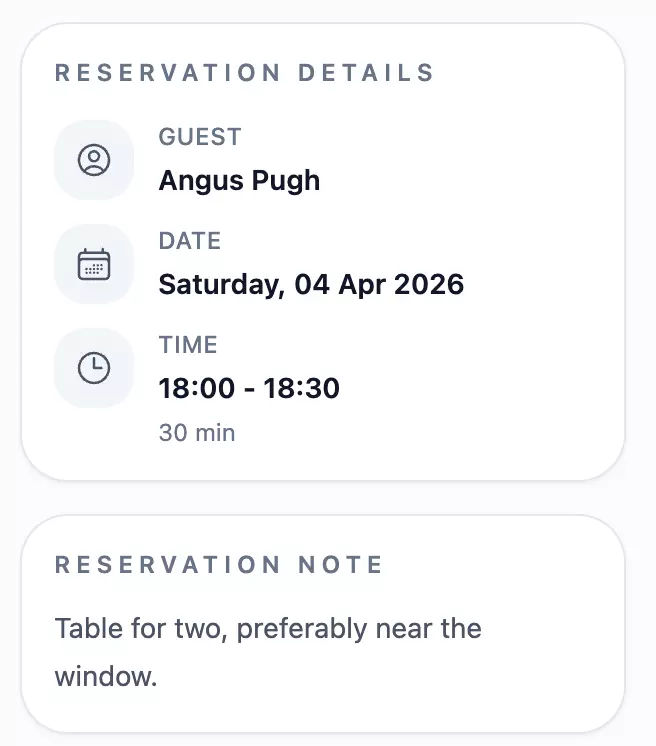
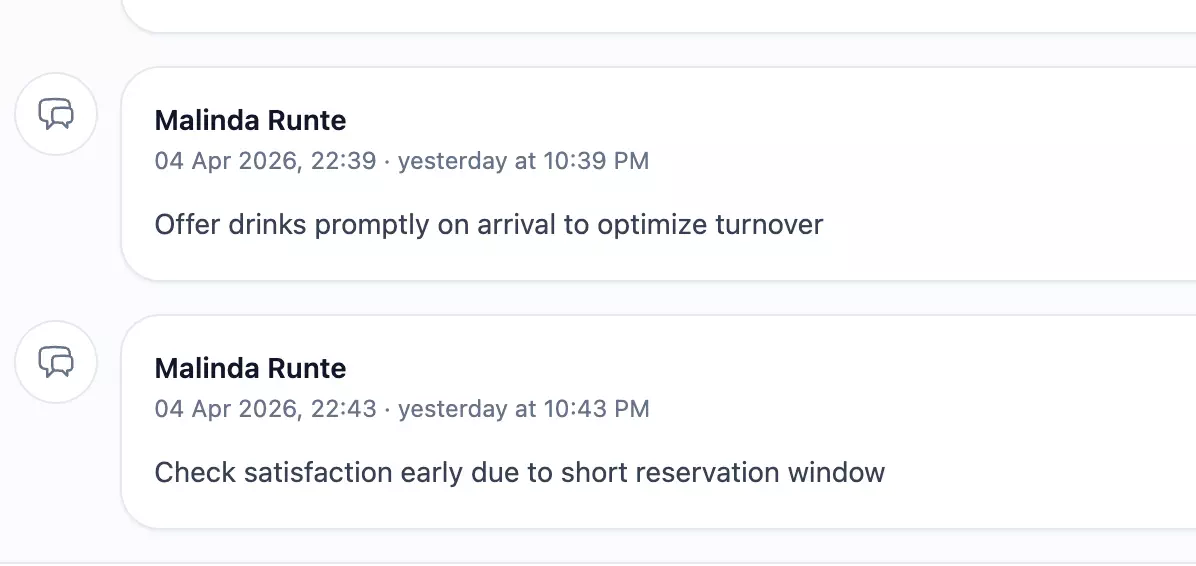
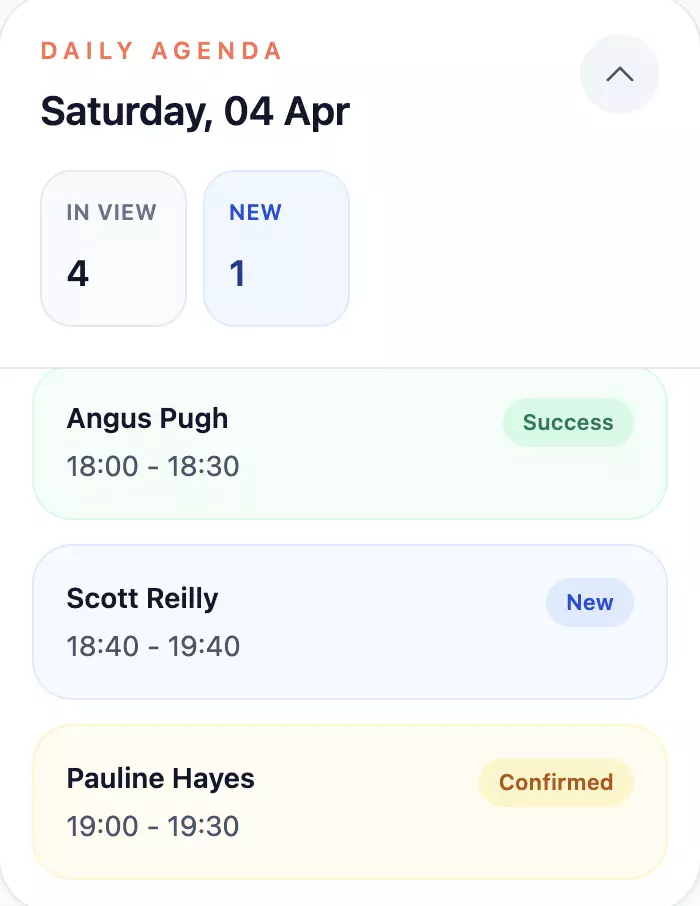
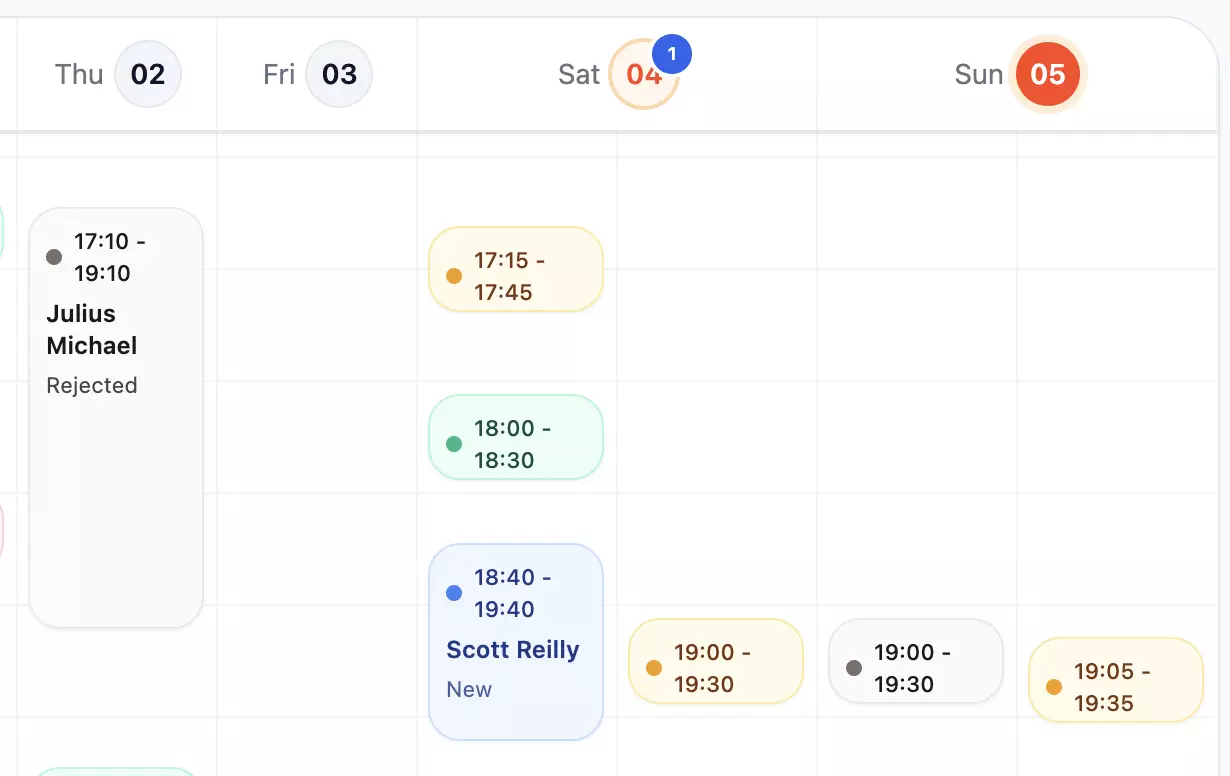
The reservations materials show a workflow built for active service: daily agenda, scheduler, statuses, guest notes, and the details your team actually needs.
  • Review the day at a glance with a scheduler and agenda that surface what needs attention next.
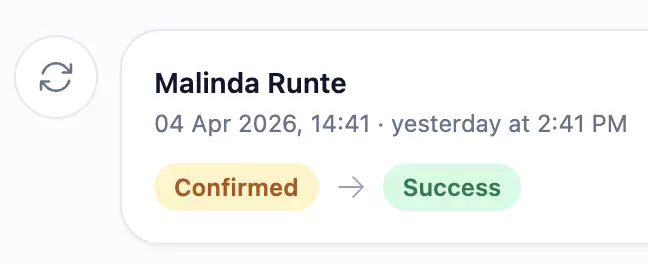
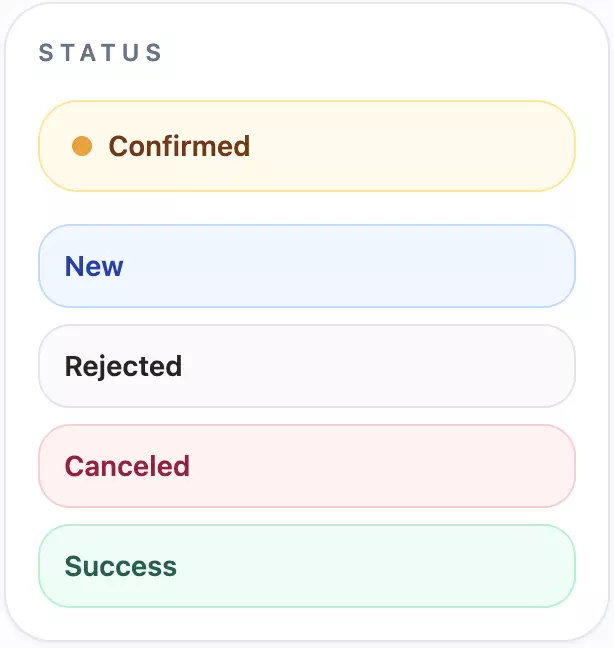
  • Move bookings through statuses like new, confirmed, rejected, canceled, and success.
  • Keep guest details and reservation notes visible so the team can handle each table with context.
Sweely owner panel reservation agenda and daily bookings overviewSweely owner panel booking status filter and reservation timeline controlsSweely owner panel reservation notes and guest request managementSweely owner panel reservation status change actionsSweely owner panel reservation details with guest profile and booking infoSweely owner panel booking scheduler for table and time slot management
Place setup

Launch the venue with simple operator tools

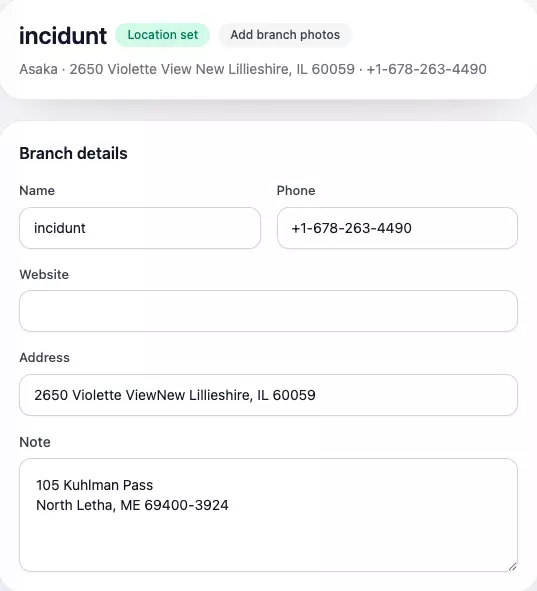
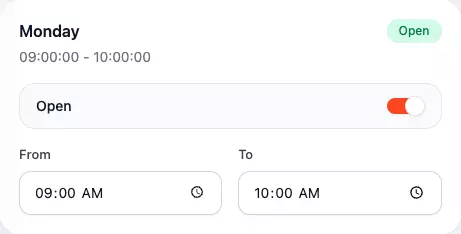
The place setup materials make the operator experience tangible: branch details, working hours, QR creation, and role control all live in one system.

  • Set branch details, phone, address, and notes without a messy onboarding flow.
  • Share working hours clearly so guests always see the right availability on the public page.
  • Create QR codes and control team roles before the venue goes live.
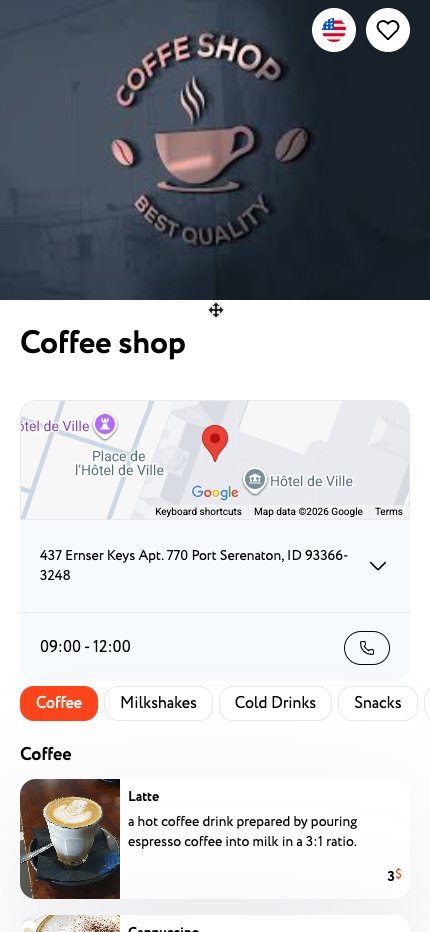
Sweely owner panel venue branch details and business information setupSweely owner panel working hours schedule configurationSweely owner panel manager role and permissions assignmentSweely owner panel QR code generation for direct venue trafficSweely venue page preview shown in the customer discovery experience

Set up your venue around these workflows

If these owner materials match how you want the venue to run, contact us for a walkthrough or open the panel and start setup.