Sweely
Free for cafes, restaurants, bars, and food halls

Run menu updates, reservations, and place setup from one workspace

Sweely gives operators one clean place to publish the venue page, update dishes, manage reservations, set working hours, control roles, and generate QR access for guests.

No subscription. No setup fee.

This page loads Tidio chat and lets us process your message and contact details. See our privacy policy and noteikumiem .

Menu ops

Search, edit, publish, and update dish availability in seconds

Reservations

Track agenda, statuses, guest details, and follow-up notes

Setup

Configure branch details, hours, QR codes, and staff roles

Discovery

Combine direct QR traffic with extra visibility when guests browse nearby

Two ways guests reach your venue

Sweely makes both guest paths clear: people can arrive through your QR code or discover your venue while browsing nearby places.

Direct traffic

QR code to venue page

Generate a QR code, place it on-site, and send guests straight into your menu, place details, and reservation entry points.

Additional discovery

Nearby browsing inside Sweely

Your venue can also be found while guests compare nearby places, giving you more discovery beyond table-side scans.

Menu management

Update dishes and publish changes without friction

Sniedziet savai komandai ikdienas vadīklas, kas tai nepieciešamas: ātrāki labojumi, skaidri publicēšanas statusi un labāka katra ēdiena detaļu pārvaldība.
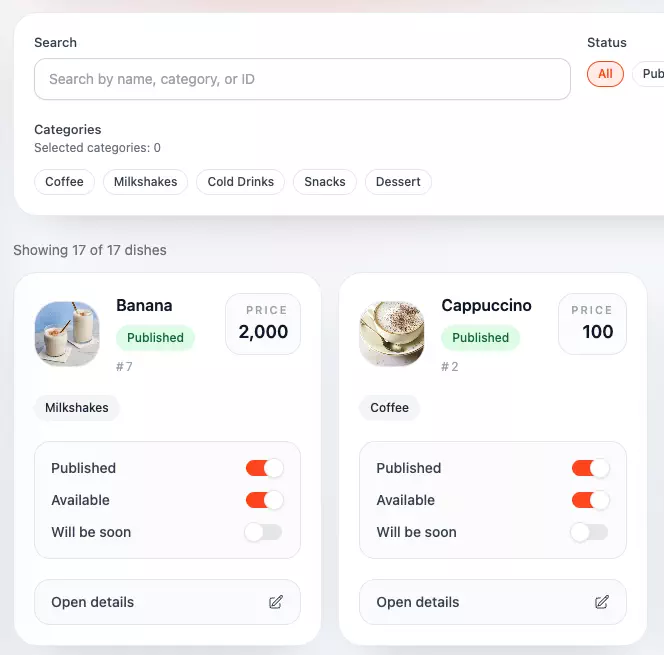
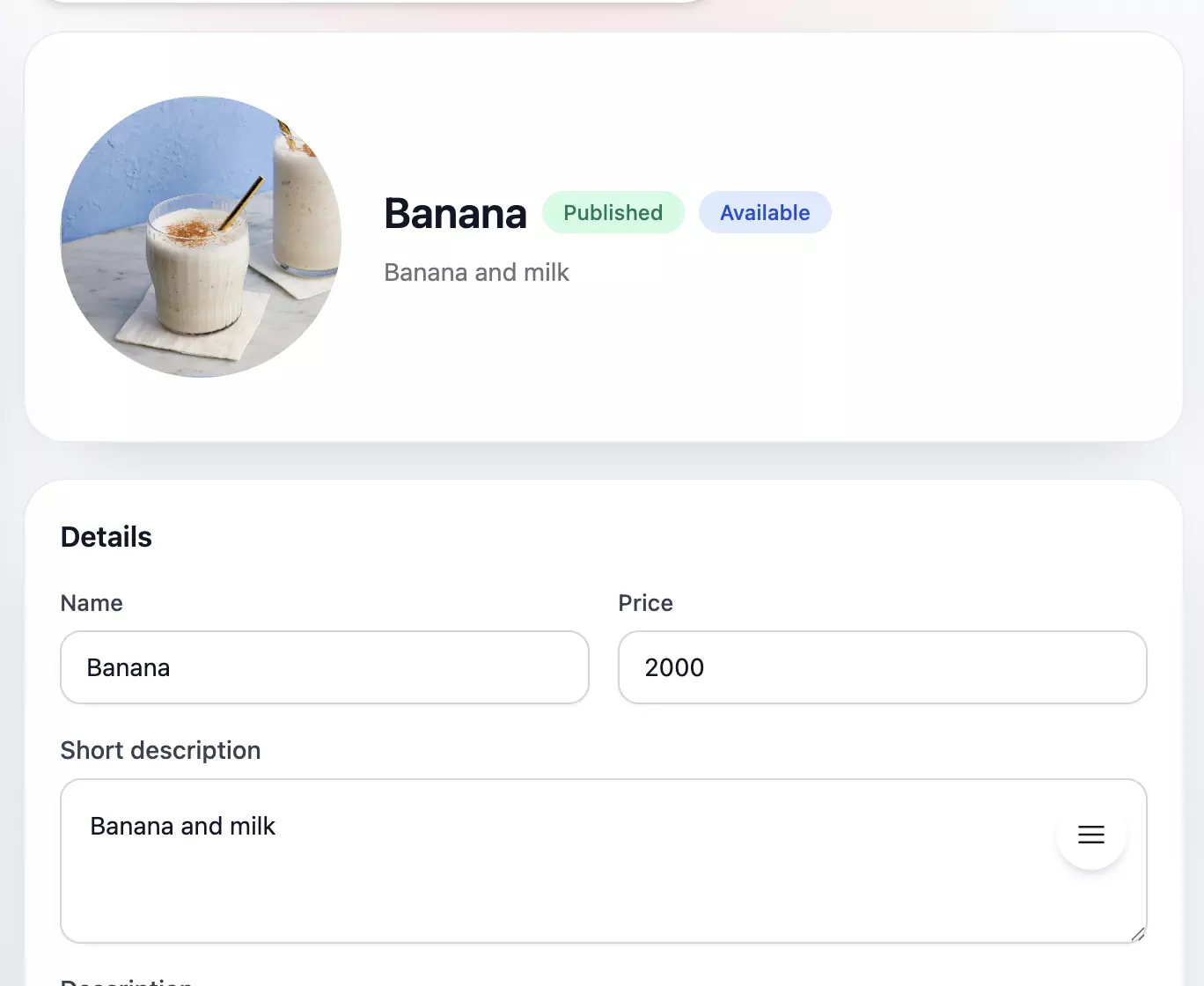
  • Search by name, category, or ID and move through dish lists without getting lost.
  • Switch visibility and availability instantly when an item changes during service.
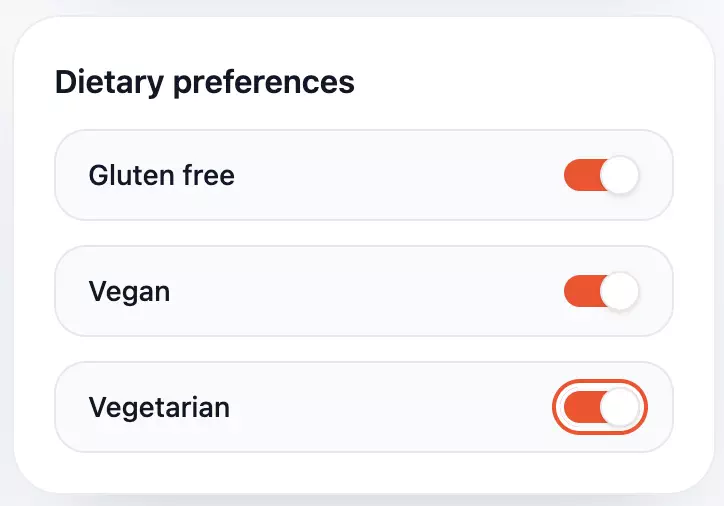
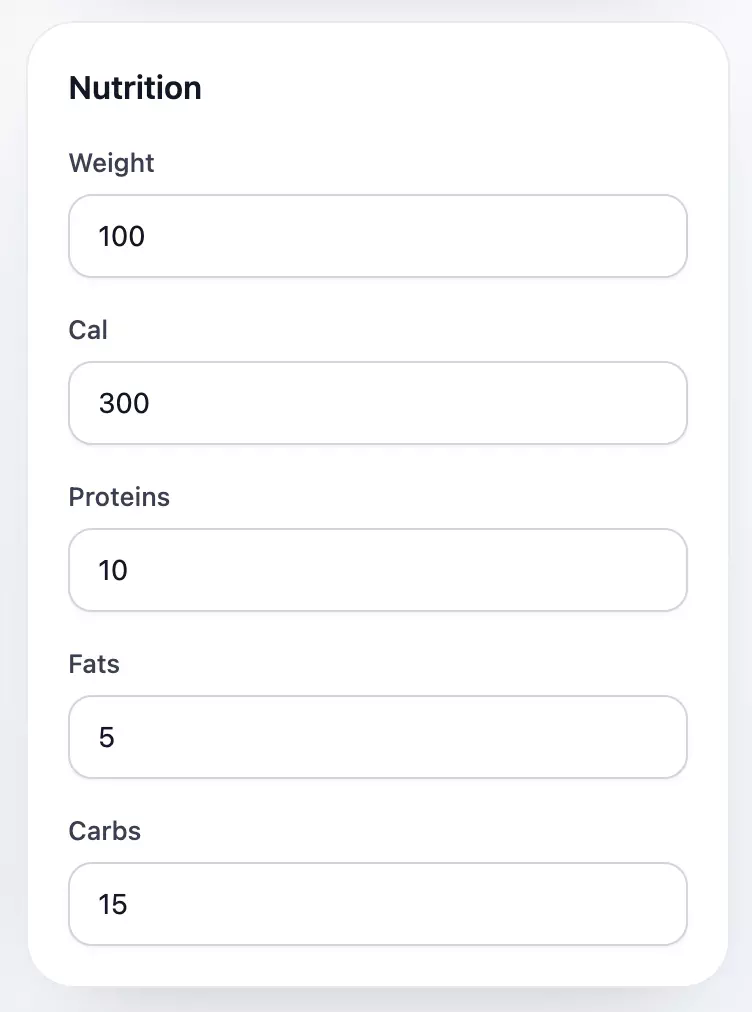
  • Maintain dietary preferences and nutrition fields so the menu stays useful and trustworthy.
Sweely owner panel menu catalog for editing dishes and categoriesSweely owner panel dish editor with product details and pricing controlsSweely owner panel display preferences and menu visibility settingsSweely owner panel nutrition and allergen details form for menu items
Reservation control

Keep the whole booking schedule under control

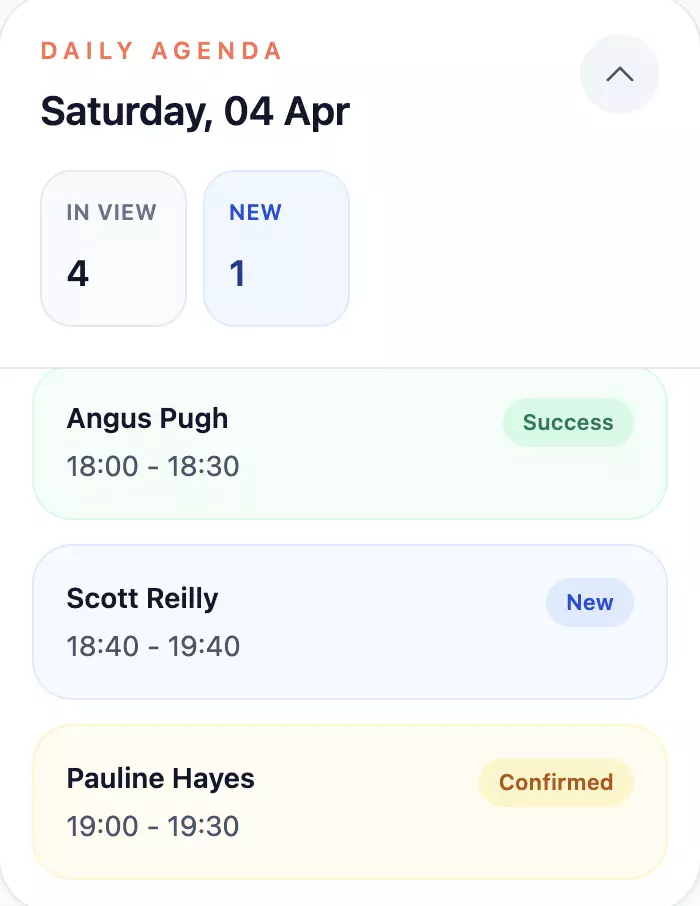
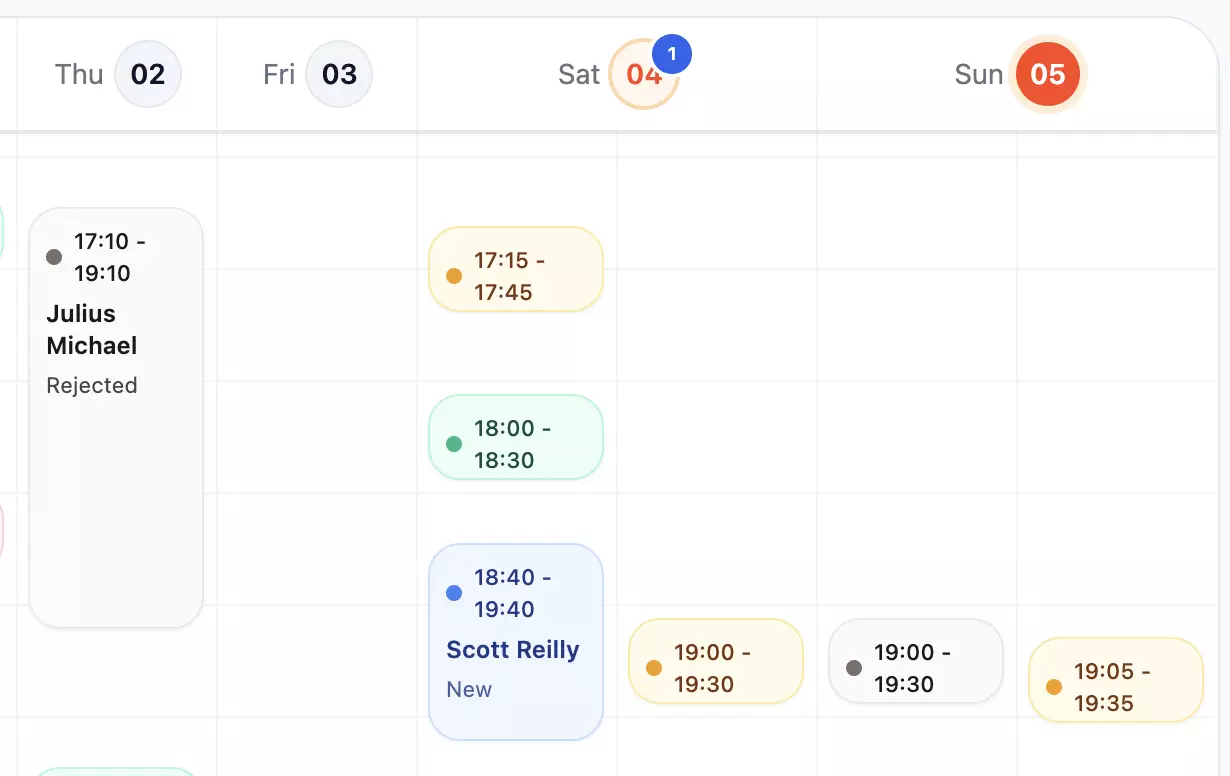
Run service from one reservation workspace with a daily agenda, booking schedule, statuses, guest notes, and the details your team actually needs.
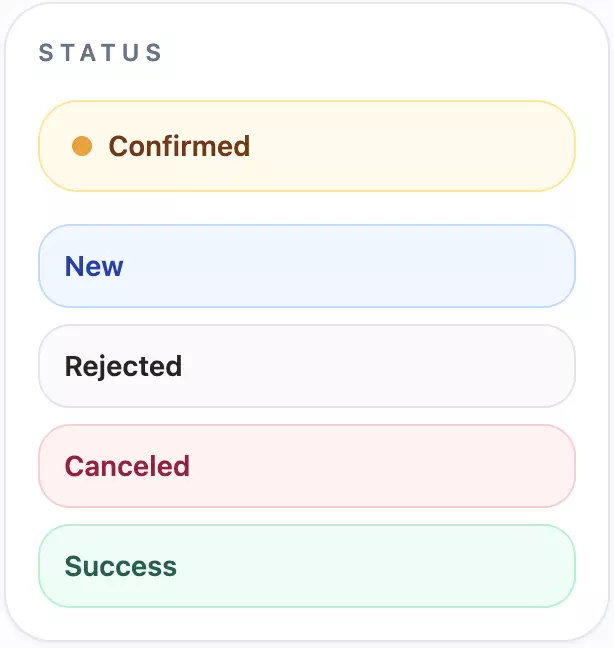
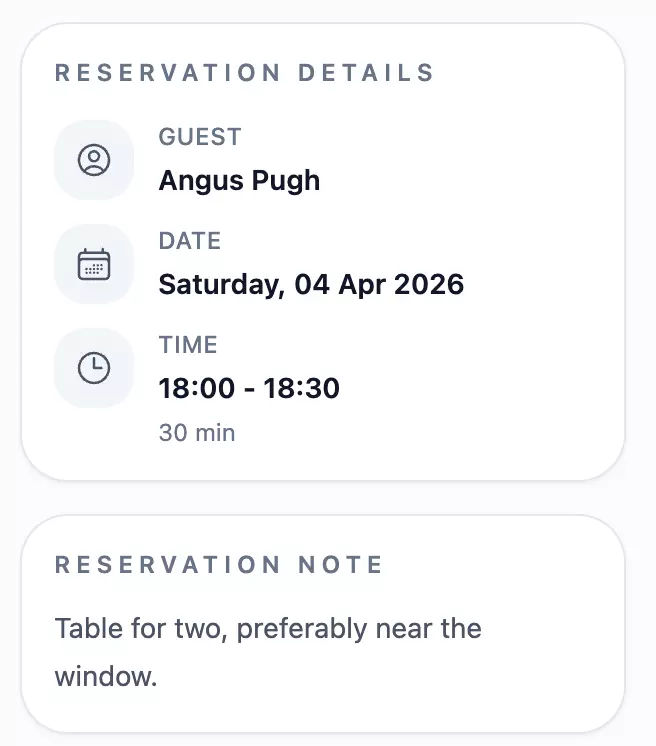
  • Review the day at a glance with a schedule and agenda that surface what needs attention next.
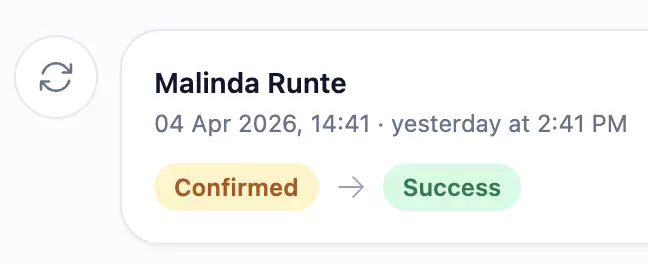
  • Move bookings through clear statuses from new request to completion.
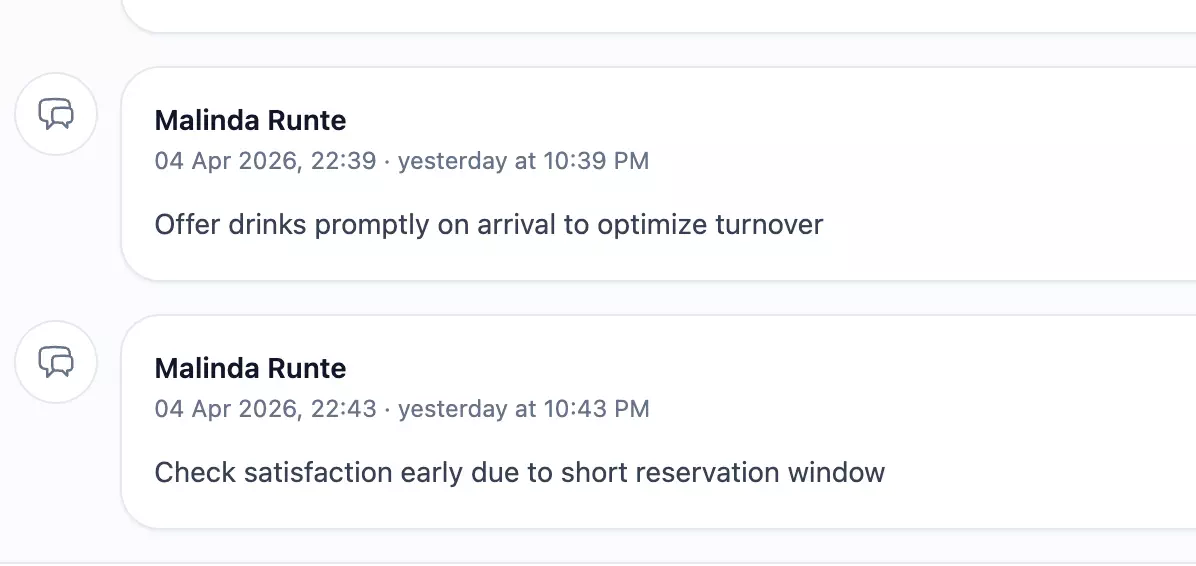
  • Keep guest details and reservation notes visible so the team can handle each table with context.
Sweely owner panel reservation agenda and daily bookings overviewSweely owner panel booking status filter and reservation timeline controlsSweely owner panel reservation notes and guest request managementSweely owner panel reservation status change actionsSweely owner panel reservation details with guest profile and booking infoSweely owner panel booking scheduler for table and time slot management
Place setup

Launch the venue with simple operator tools

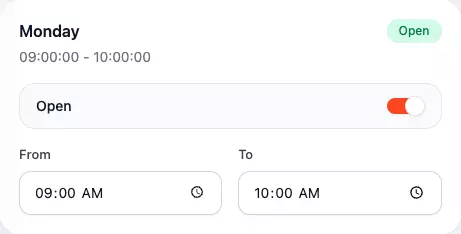
Set up the essentials in one system: branch details, working hours, QR creation, and role control for the team.
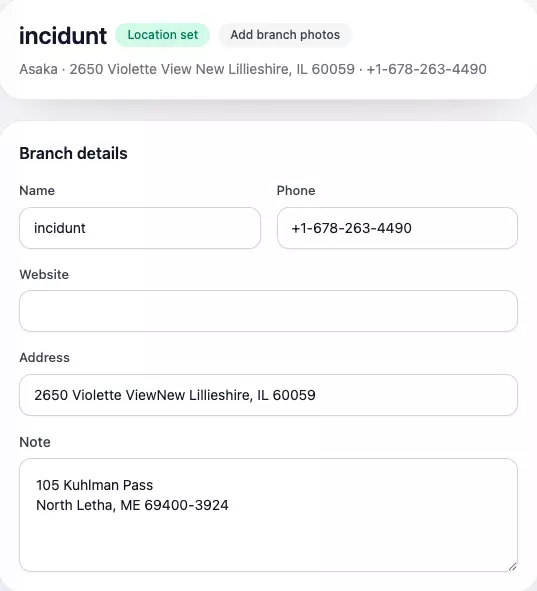
  • Set branch details, phone, address, and notes without a messy onboarding flow.
  • Share working hours clearly so guests always see the right availability on the public page.
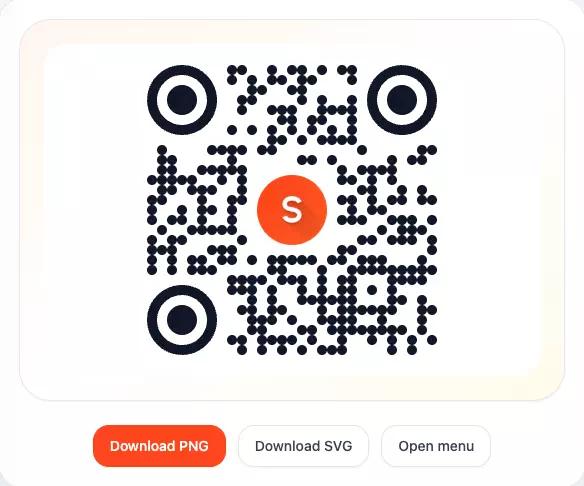
  • Create QR codes and control team roles before the venue goes live.
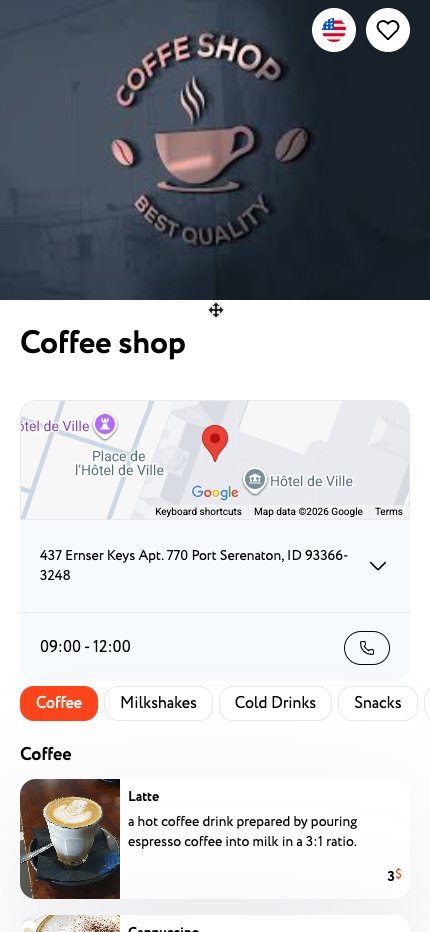
Sweely owner panel venue branch details and business information setupSweely owner panel working hours schedule configurationSweely owner panel QR code generation for direct venue trafficSweely venue page preview shown in the customer discovery experience

Set up your venue with Sweely

Contact us for a guided demo or open the panel to start configuring your venue.

This page loads Tidio chat and lets us process your message and contact details. See our privacy policy and noteikumiem .

Have questions? We have answers.